

Singapore · GST & InvoiceNow
A Singapore Guide to InvoiceNow and GST
If you are GST-registered in Singapore, two compliance questions decide a lot of your software shortlist: does the platform handle GST filing correctly, and is it InvoiceNow-ready? This guide explains what each one means for a buyer and how to check a vendor's claim before you commit.
Two checks that decide the shortlist
Singapore
Why these two checks come first
GST reporting is a core feature in Singapore accounting software selection, and comparison coverage treats it as a must-have. InvoiceNow readiness is the other marker buyers use, because it affects how you send and receive invoices with customers and suppliers. Together they tell you whether a platform is built for Singapore or merely available here. Get these wrong and you feel it at filing time, not at signup.
Where buyers feel it
- Quarterly filing periods where the totals do not line up
- Supplier invoices re-keyed by hand instead of received as structured data
- Cleanup work that lands on your accountant, not the vendor
What GST filing requires from software
GST-registered businesses need to record output tax on sales and input tax on purchases, then report them in the right boxes for the filing period. Software should let you assign GST codes to transactions and to lines in your chart of accounts, so the totals come out correctly.
It should handle standard-rated, zero-rated, and exempt supplies, and it should keep an audit trail. If your tool cannot separate these cleanly, you will be rebuilding figures in a spreadsheet every quarter.
Treat the list at right as a working definition of "handles GST". A platform that misses any row will show the gap at filing time, and the fix usually costs more than the subscription.

What the tool has to do

Checking GST support before you buy
Ask the vendor to show you a GST report, not just confirm that GST is supported. Confirm how GST codes map to your chart of accounts and how the tool treats credit notes and adjustments. Ask what happens if you file quarterly and need to review a period after submission. The practical test is to run one month of your own data through a trial and produce the report. If that works, the claim is real.
InvoiceNow is Singapore's e-invoicing network, and it is a common software selection criterion.
It lets you send and receive structured invoices directly between systems rather than as PDFs or paper. For buyers, the value is fewer manual entries and less re-keying of supplier invoices. For vendors, it is part of their local compliance positioning, which is why you see it marketed prominently. IMDA publishes an InvoiceNow-ready solution provider list, and that list is the sensible place to start.
Verify before you sign
Four questions
How to verify InvoiceNow readiness
Check the vendor against the IMDA InvoiceNow-ready solution provider list, then confirm the specific capability with the vendor. If you exchange invoices with larger customers or government-linked entities, e-invoicing readiness can become a practical requirement rather than a nice-to-have.
- Sending Does the platform issue structured invoices, or only receive them?
- Receiving Can supplier invoices land as data, or do they arrive as a file to retype?
- Live today Is the capability running now, or is it on a roadmap?
- Coverage Which of your trading partners or entities does it actually reach?
Confirm it before you sign, not after. Marketing pages can lag behind actual capability, and the fix after go-live costs more than the question at the demo.
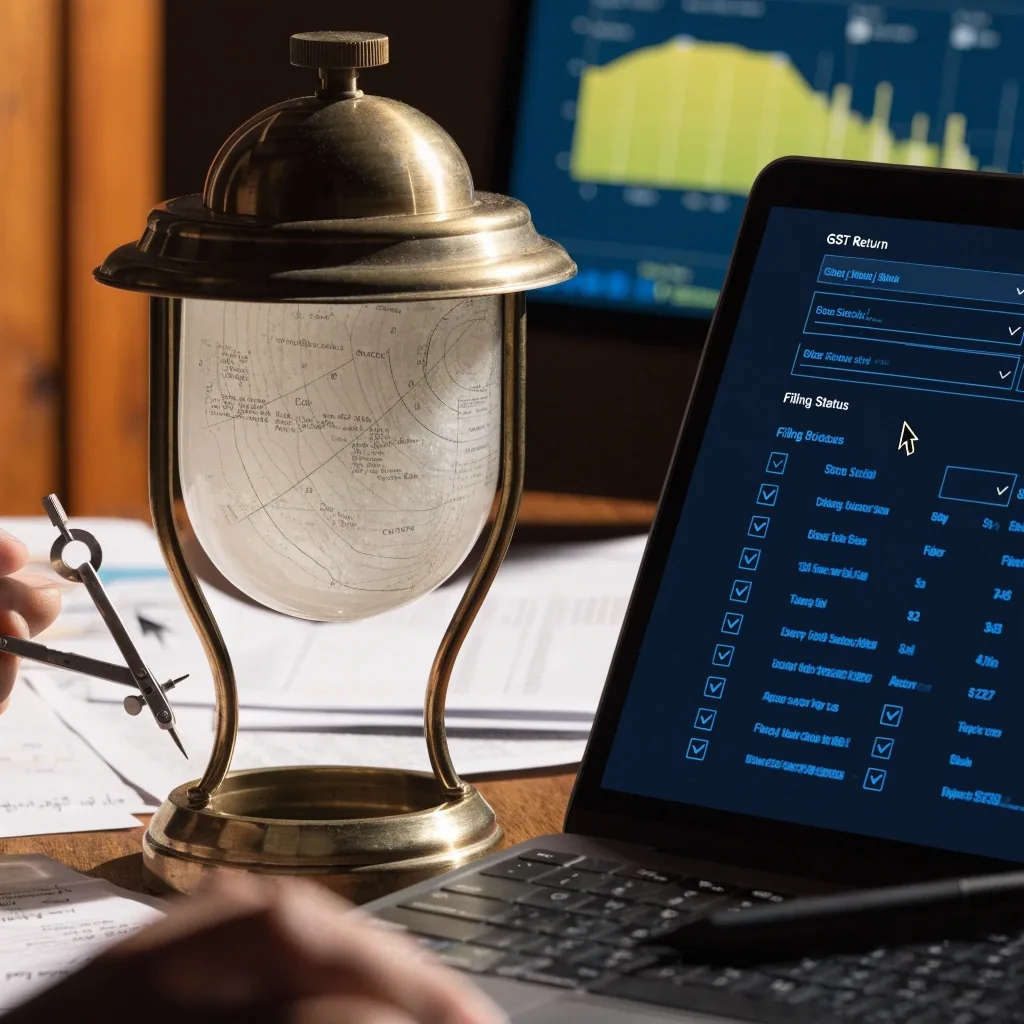
Readiness is a conversation with the vendor, not a logo on a page
The IRAS register and what changed
IRAS previously maintained an accounting software register, and recent commentary says the live readiness check has shifted toward other frameworks. That means the old shortcut, checking a name against a list, is less reliable on its own than it once was.
Buyers should verify claims directly with vendors and check the current IRAS guidance for what applies to their situation. Treat any compliance badge as a starting question, not a final answer — and write down what the vendor told you, so you can compare it against the next shortlist entry.
An unverified InvoiceNow claim is the single most common gap we see in shortlists. If a vendor cannot show you the capability live, keep it off the shortlist until they can.
Setting up GST codes and the chart of accounts
GST accuracy depends on your chart of accounts. If your accounts were built for a spreadsheet, they usually need rework before migration. Group revenue and expense accounts so GST treatment is consistent, and avoid mixing taxable and exempt income in one line. This setup work happens once and saves you every filing period after. It is also the step most teams rush, which is why it causes the most cleanup later.
The step worth doing first
Rework the chart of accounts before you migrate
Separate taxable and exempt income at the account level, then map a GST code to each line. Give the mapping a short written rule so anyone entering a transaction makes the same choice. Historical periods are the hard part: decide in advance how far back you will re-key, and record that decision, because your first filing after migration depends on it.
Group revenue lines
Keep standard-rated, zero-rated and exempt income in separate accounts.
Document the rule
One page of mapping notes saves a quarter of rework later.
Filing rhythm and real-time reporting
Once GST codes and accounts are set, the filing rhythm becomes routine: reconcile the bank, review the GST report, file, and record the submission. Real-time reporting helps because you can see the position before the deadline rather than discovering a gap at the end. Some platforms handle the filing workflow more smoothly than others. Ask to see the report and the filing steps during your demo.
The period, in order
- Reconcile the bank against the ledger
- Review the GST report and fix anything flagged
- File the return within the period allowed
- Record the submission so the next review has a starting point
Common GST and e-invoicing mistakes
Each of the slips below is ordinary and avoidable. A short checklist before migration catches most of them.
Teams migrate mid-quarter and find GST settings were never configured.
They assume a bank feed matches every line automatically.
They treat an InvoiceNow logo as proof of live capability without checking.
They skip multi-factor authentication during onboarding.
Questions to bring to a vendor demo
Ask for a GST report on sample data, and ask how GST codes map to your accounts. Ask whether InvoiceNow support covers sending and receiving, and whether it is live. Ask how historical GST treatment is handled during migration. Ask who supports the setup and what it costs in time. Bring your own numbers where you can, because generic demos hide the problems that show up with real transactions.
Which report will I see, and can you run it on my figures?
How do GST codes attach to my chart of accounts?
Does InvoiceNow cover sending, receiving, or both — and is it live today?
What happens to historical GST treatment during migration?
Who runs the setup, and how much of my time does it take?
What does support look like in the first filing period?
Questions buyers ask first
Four answers that come up in almost every shortlist conversation. If your situation is different, the contact page is the right place to describe it.
Do I need InvoiceNow-ready software if I am GST-registered?
GST registration and InvoiceNow readiness are separate requirements. You need software that handles GST filing correctly. InvoiceNow readiness matters more if your customers or suppliers expect e-invoicing, and it is a common selection criterion in Singapore. Check both against your own situation.
How do I confirm a vendor's InvoiceNow claim?
Start with the IMDA InvoiceNow-ready solution provider list, then ask the vendor directly whether the capability is live and whether it covers sending, receiving, or both. Marketing pages can lag behind actual capability.
Can I still use the old IRAS accounting software register?
IRAS previously maintained an accounting software register, and recent commentary says the live readiness check has shifted toward other frameworks. Use current IRAS guidance and verify claims with vendors directly rather than relying on an old list alone.
What is the most common GST setup mistake?
Skipping the chart of accounts rework before migration. If taxable and exempt income sit in the same account line, GST reporting gets messy. Fix the structure first, then migrate.
Talk to Jambrelis
Not sure which platform fits your filing setup?
Describe your GST registration, the filing period you work to, and whether your customers or suppliers expect e-invoicing. We will tell you which of the two checks on this page applies to you first, and which platforms are worth a closer look.
Jambrelis Cloud Accounting
Address
71 Robinson Road, #14-01, Singapore 068895
Phone
Hours
Monday to Friday, 9:00 AM – 6:00 PM (SGT)